Select Render Walk → Editor UI from the side menu.
Here you can see all the elements currently visible in your tour and modify them.
In the lower right corner you can see Facebook and Whatsapp messenger icons.
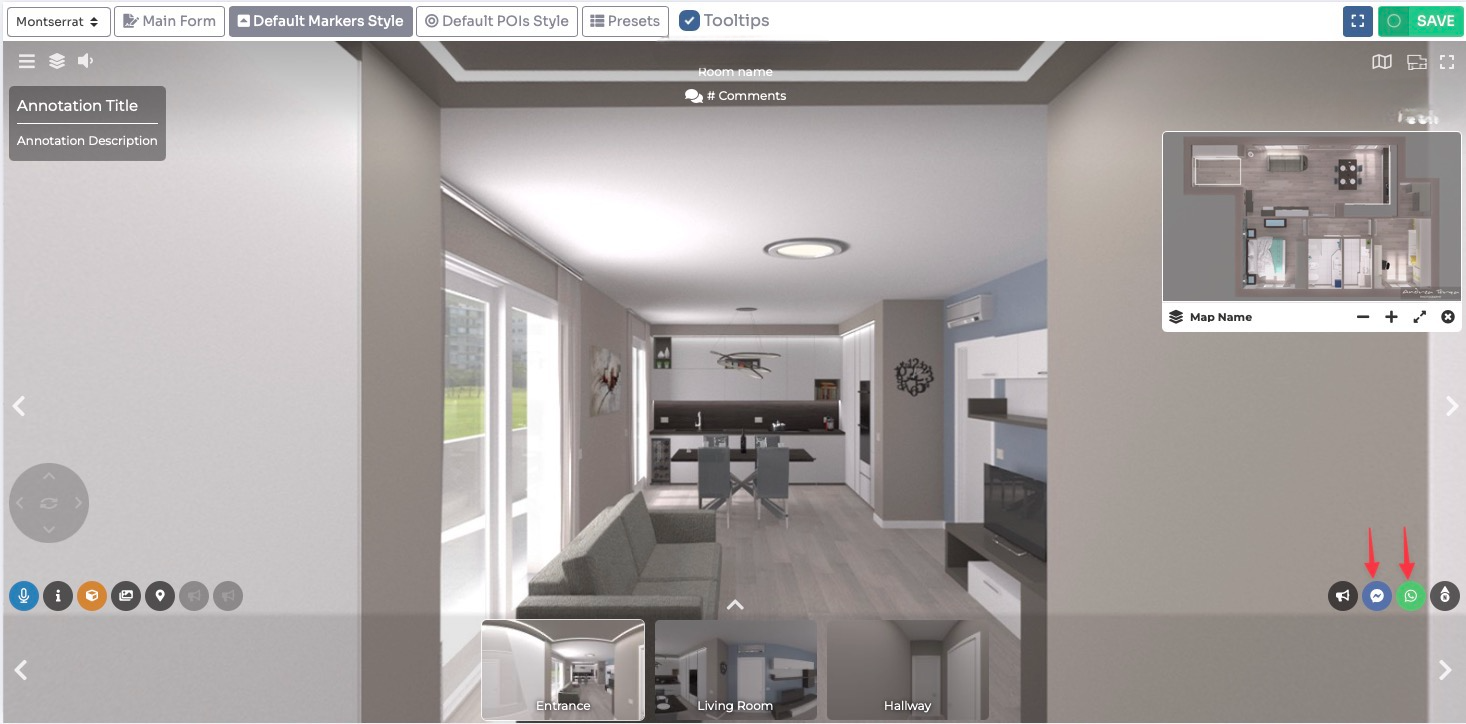
Click on this item to edit: you can enable/disable its visibility and change its appearance.
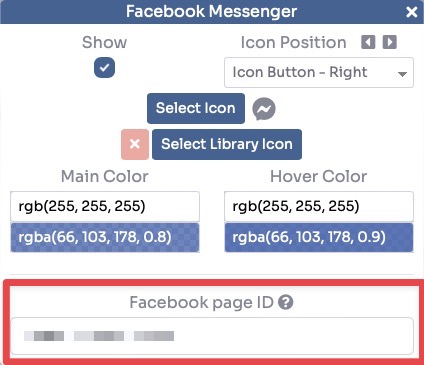
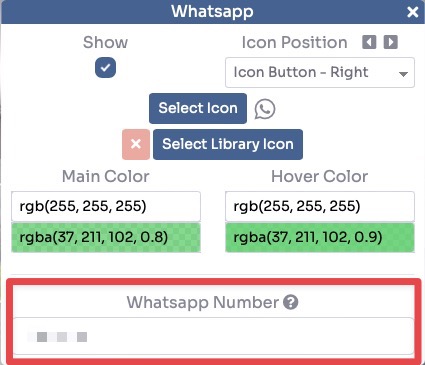
After changing the settings click Save in the top-right corner to apply them to your tour.