The learning mode allows you to visit the tour obtaining a score as you visit the content.
Select Render Walk → List Tours from the side menu and click the Edit button on the desired tour.

Go to tab Learning.
To enable it, select the “Enable” checkbox.
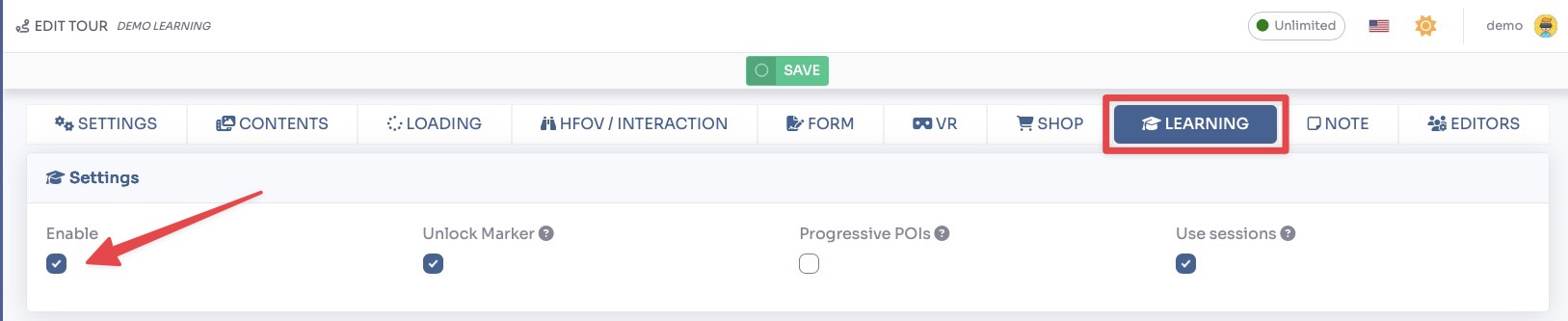
Here you also have possibilities to customize this mode:
- Unlock Markers: markers in rooms are unlocked only when all POIs in them are visited
- Progressive POIs: POIs are unlocked only when the previous one is visited. You can define the priority in the POI settings
- Use Sessions: allows to recover the learning session in subsequent visits to the tour
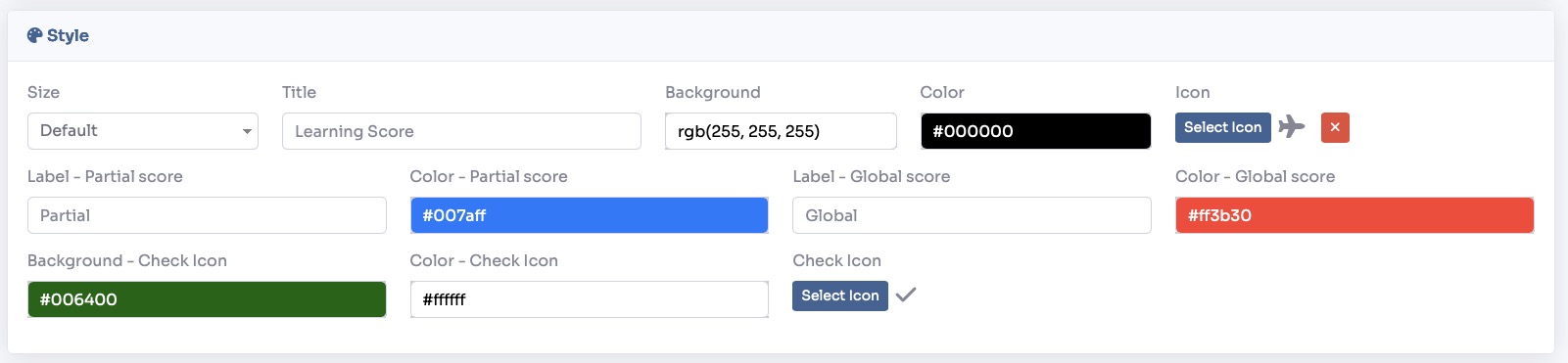
In the style section you can change the colors and some labels for the block that will display the score in the tour and for the icon that shows when a POI has already been visited.

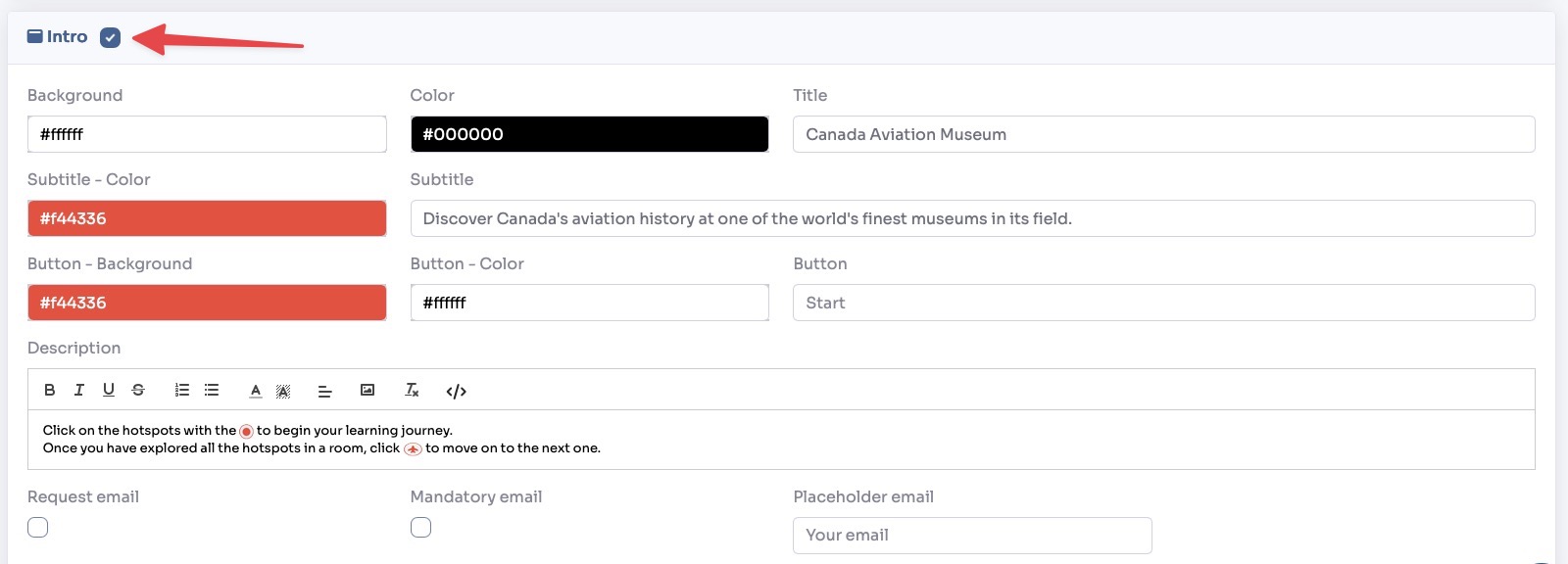
In the Intro section you can decide whether or not to display an introduction window at the beginning of the tour where you can explain how the mode works and possibly collect the visitor’s email.